
Your Digital Presence, Step by Step
Your Digital Presence, Step by Step
You don't need to become an influencer or share your entire life. Here's how to choose your usernames, set up your profiles, and make it easier for people to find and connect with you.
1. Choose an evergreen username
Start with a variation of your name. Keep it short, easy to say and spell, and something you'll still be comfortable using five or ten years from now. Avoid tying your identity to a hobby, favorite team, or interest you might outgrow.
My full name is Rayshaun Davis, but that wasn't available everywhere, and my first name can be spelled more than one way. I settled on RayDavis.me wherever possible.
I use @RayDavis.me on Facebook, Instagram, Threads, and TikTok. On X and YouTube, I use @RayDavis_me.
If you tell someone your username in passing and have to spell out the entire thing, I'd consider simplifying it. A unique spelling of your name isn't necessarily a problem, but make it easy for people to remember.
2. Check availability across platforms
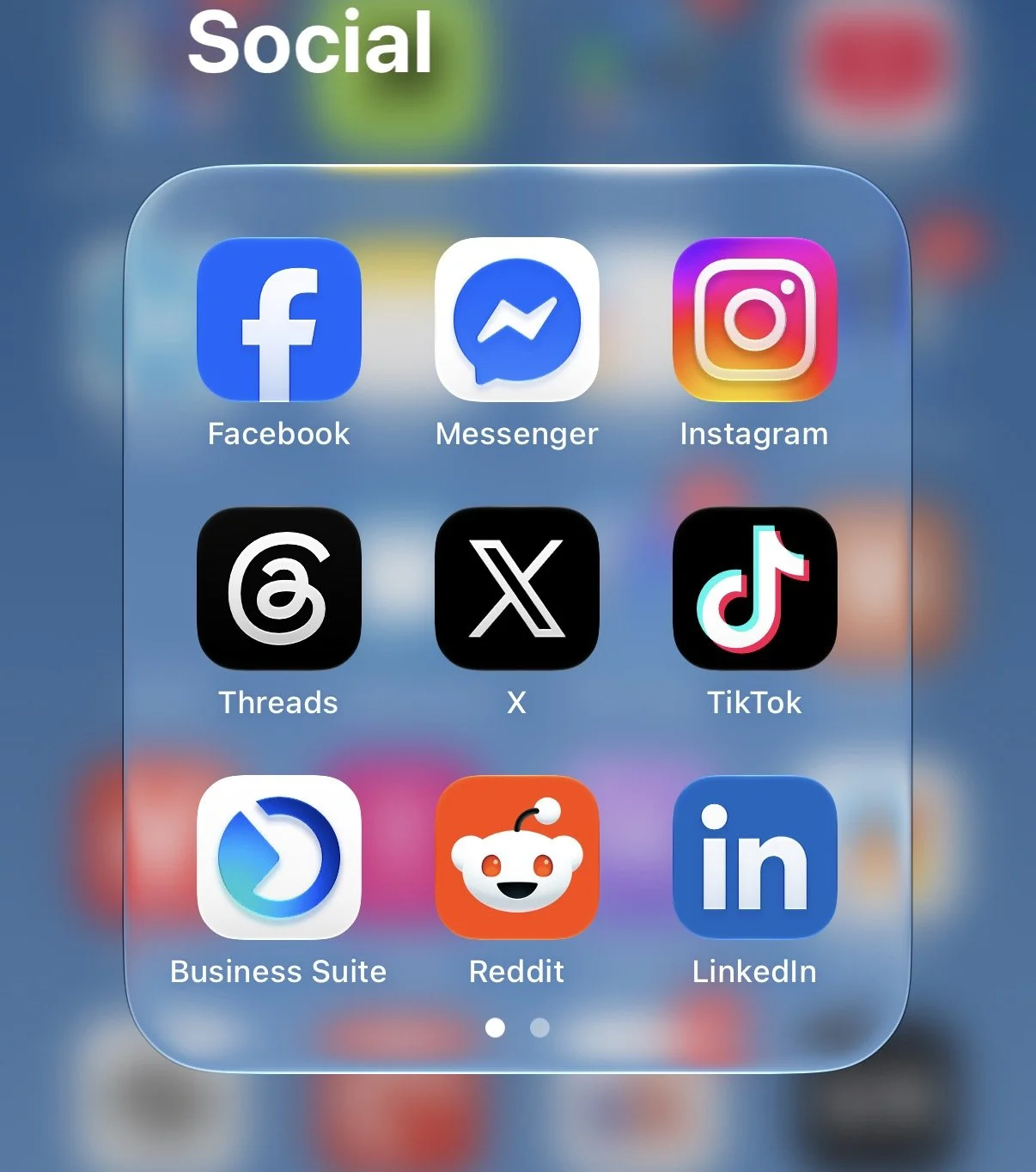
Before committing, check your preferred username on Instagram, Facebook, Threads, and Messenger, then check TikTok and X. If you use YouTube, check there, too.
LinkedIn is different. Use your full name as your public identity wherever possible because it's primarily a professional networking platform.
You don't have to find an identical username on every platform, but the closer you get, the better.
For example, it's much easier to say, "I'm @ThatPerson on all my socials," than to explain that you're @ThatPerson on Instagram, @ThatPerson247 on TikTok, and @TheRealThatPerson on X.
If your first choice is taken, try a reasonable variation of your name before adding random numbers, extra words, or complicated punctuation.
3. Secure your username
If you're new to social media, claim your preferred username on the platforms you want to use, even if you aren't ready to post yet.
If you already have accounts, update your existing usernames where it makes sense rather than starting over.
Keep in mind that platforms have different username rules and may restrict how often you can change them. Choose carefully before committing.
4. Make your profiles recognizable
Use the same profile picture across platforms and display your full name, even if your username is a shortened version or variation.
Write a brief bio that tells people who you are, what you do, and perhaps a few of your interests.
Your bio can evolve as your life changes. It's much easier to update your interests than to keep changing your username.
5. Connect your accounts
You should ideally only need to give someone one social media profile to get them started.
Connect your accounts where supported, particularly across Meta's platforms. Add links to your other profiles, website, or LinkedIn so people can find you elsewhere.
You don't have to actively use every platform. Just make it easier for people to find the ones where you are active.
6. Claim your digital real estate
If your personal name is available as a domain, consider purchasing it, even if you aren't ready to build a website.
You can eventually use it for a personal website, portfolio, or email address tied to your own domain.
Social platforms help people discover you, but your own domain gives you a digital home you control.
7. Keep your profiles accessible
If your goal is to build a network and make yourself discoverable, I wouldn't start by making your Instagram, Threads, or TikTok accounts private.
We often overthink privacy and put unnecessary hurdles in front of people who want to connect with us. Then we wonder why we aren't getting followers, engagement, or connections.
Start with a public profile if you're comfortable doing so. Let people find you, see what you're about, and decide whether they want to follow you.
You can always remove followers, restrict interactions, or block people when necessary. You don't have to make your entire profile private just to maintain some control over who interacts with you.
Facebook is traditionally more friend-request oriented, but you can also enable the Follow feature, where available, so people can follow your public updates without becoming your friends.
Of course, keep sensitive personal information private and be thoughtful about what you share. Public doesn't mean you have to reveal everything.
Don't build a wall when all you need is a gate. Most people aren't thinking about you as much as you might assume. Don't make yourself difficult to find and then wonder why nobody is connecting with you.
The goal is to make it easy for the right people to discover you while retaining control over your interactions.
Start Here
If you're already on social media, audit your usernames and update your existing profiles.
If you're starting from scratch, choose your username before creating accounts and secure it across platforms.
In either case, connect your profiles and make them accessible enough for people to find you.
You don't have to do everything in one day. Start with your username and build from there.
Thanks for reading The Deep Dive!
What do you think?
Have a thought about this Deep Dive? I'd love to hear it.
Email me at thedeepdive@touchesoftech.com and let me know what you think—or send along an idea for something you'd like to see explored in a future Deep Dive.
I can't promise I'll write about every suggestion, but I'm always interested in hearing what you're curious about.