

Tech Tip: How to Choose Your Next Smartphone (Without Regretting It 6 Months Later)
One of the most common questions I’ve gotten over the years from friends, family, and coworkers is: “I need a new phone, tablet, or computer. What should I buy?”
One of the most common questions I’ve gotten over the years from friends, family, and coworkers is:
“I need a new phone, tablet, or computer. What should I buy?”
Sometimes it’s for them. Sometimes it’s for their child. Sometimes it’s a first device for an older family member.
My first questions are always the same:
What do you like about your current device?
What do you dislike about it?
Are you already invested in Apple, Google, or Microsoft?
What do you use the device for?
What is your budget?
There isn’t one perfect device for everyone. The best choice depends on how you use technology.
Start With the Phone
Your smartphone is probably the most important piece of technology you own. Most of us use it every single day for communication, banking, photography, work, entertainment, navigation, and more.
Today, there are really three major players I recommend most people consider:
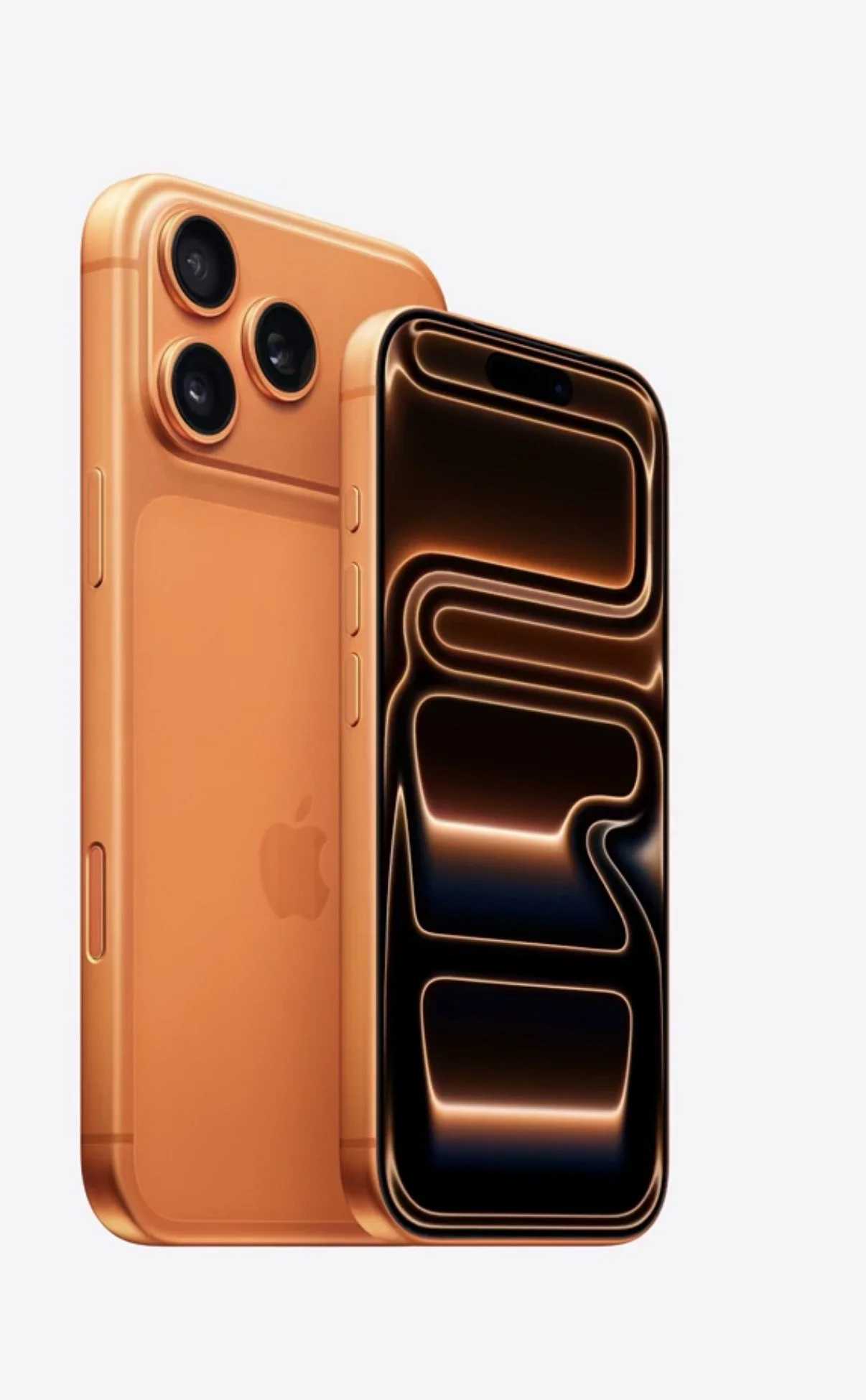
Apple iPhone
Samsung Galaxy
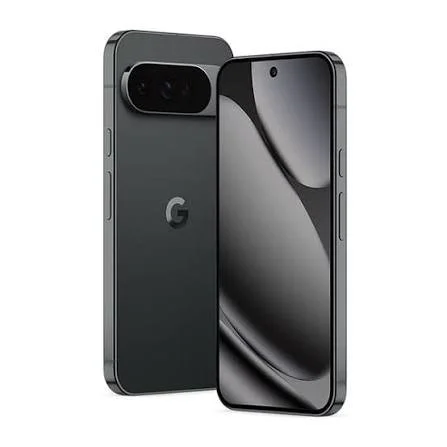
Google Pixel
Yes, there are other options like OnePlus and others, but for most people I recommend staying within these three ecosystems because of long-term support, reliability, accessories, resale value, and overall experience.
My General Rule: Buy the Latest Model
If you’re buying a new phone, buy the current generation whenever possible.
Each company offers different levels:
Apple
iPhone Pro models for power users, professionals, and people who keep phones longer
Standard iPhone models for most users
iPhone e models for basic needs and budget buyers
Samsung
Galaxy Ultra for the highest-end experience
Galaxy Plus for a premium experience with a slightly smaller footprint
Standard Galaxy models for most users
Galaxy A series for budget users
Pixel Pro or Pro XL for the premium experience
Standard Pixel models for most users
Pixel A series for budget users
Who Should Buy the Pro Models?
If you use your phone for business, photography, content creation, multitasking, or you plan to keep your phone for 3–4 years, I usually recommend buying the premium model.
Think of it like buying a vehicle.
The flagship phone is the Lexus.
The standard model is closer to the Toyota Avalon or Camry.
The budget model is closer to the Corolla.
All of them will get you where you need to go. But once you’ve experienced the Lexus, the others may not feel quite the same.
Premium models usually give you:
Better processors
More RAM
Better cameras
Better displays
Longer-lasting performance
Better battery life
More premium materials
Who Should Buy the Budget Models?
Budget phones absolutely have their place.
If you’re buying a first phone for a child, an emergency phone, or a device for someone who mainly needs calling, texting, and basic apps, phones like:
iPhone e
Google Pixel A series
Samsung Galaxy A series
can make a lot of sense.
Just understand what you’re giving up.
These phones often use previous-generation components to reach a lower price point. They work, but they typically won’t have:
The same performance
The same camera quality
The same screen quality
The same battery experience
The same longevity as the flagship models
For some people, that tradeoff is perfectly fine.
Don’t Buy Last Year’s Phone Just Because It’s Cheaper
This is where many people make mistakes.
Apple, Samsung, and Google often keep older phones available after new models launch. They also have budget models that overlap in price.
So you may see something like:
A two-year-old iPhone
A one-year-old Galaxy
A previous Pixel model
sitting next to the newest budget phone at a similar price.
At first glance, it looks like a deal.
But you need to ask:
Why is this phone discounted?
A phone that is already 1–3 years old has already used up part of its support life.
You may get a better short-term price, but 12–18 months later you may notice:
Slower performance
Shorter battery life
Less software support remaining
A Simple Rule: Check the Release Date
Before buying any phone, Google the model and find out:
“When was this phone released?”
If it has been out for nearly a year or more, I would be cautious unless there is a major discount.
All three major manufacturers typically release new phones on roughly a yearly cycle.
For example, Apple typically announces new iPhones around September/October.
That means I usually would not recommend buying a brand-new iPhone right before a major Apple event unless you absolutely need one.
The same concept applies to Samsung Galaxy and Google Pixel releases.
Don’t be the person who buys a new phone the day before a new generation launches.
How Should You Pay for Your Phone?
Once I know:
Your budget
Your carrier
Whether you use prepaid or postpaid
Whether you want to pay cash or finance
I can give better advice.
Most major phone manufacturers offer installment plans. Carriers like T-Mobile, AT&T, and Verizon also offer monthly payments on postpaid plans.
Personally, I often prefer this approach:
Buy the phone you actually want.
Spread out the payments if needed.
Then pay it off faster if you can.
The worst feeling is buying the cheaper phone, only to wish you had bought the better model six months later.
Final Advice
Technology should fit your life, not your budget alone.
The right phone is the one that matches:
How you use it
How long you keep it
What ecosystem you prefer
What you can comfortably afford
If you keep phones for 3–4 years, buy the best model you can reasonably afford.
If you upgrade every year or two, a standard model may be all you need.
And remember:
A little research before buying can save you hundreds of dollars and years of frustration.
Be on the look out for a future post about buying recommendations for tablets and computers. Depending on when you’re reading this, that post might be already live.
That’s today’s Tech Tip from Touches of Tech.
Thanks for reading Touches of Tech!
Subscribe to my Substack for free to receive new posts via email.
Enjoyed this article?
Follow Touches of Tech on Substack for more technology articles delivered directly to your inbox.
For Ray's thoughts on technology, business, life, food, fitness, travel, and everything in between, check out The Deep Dive on Substack.